mirror of
https://github.com/espressif/esp-rainmaker.git
synced 2026-01-19 07:39:58 +00:00
 86b4dbbd68
And some other minor changes
- Corrected comments in example READMEs and sdkconfig.defaults
- Duplicate macro in homekit_switch removed
Wi-Fi controlled LCD screen using ESP RainMaker
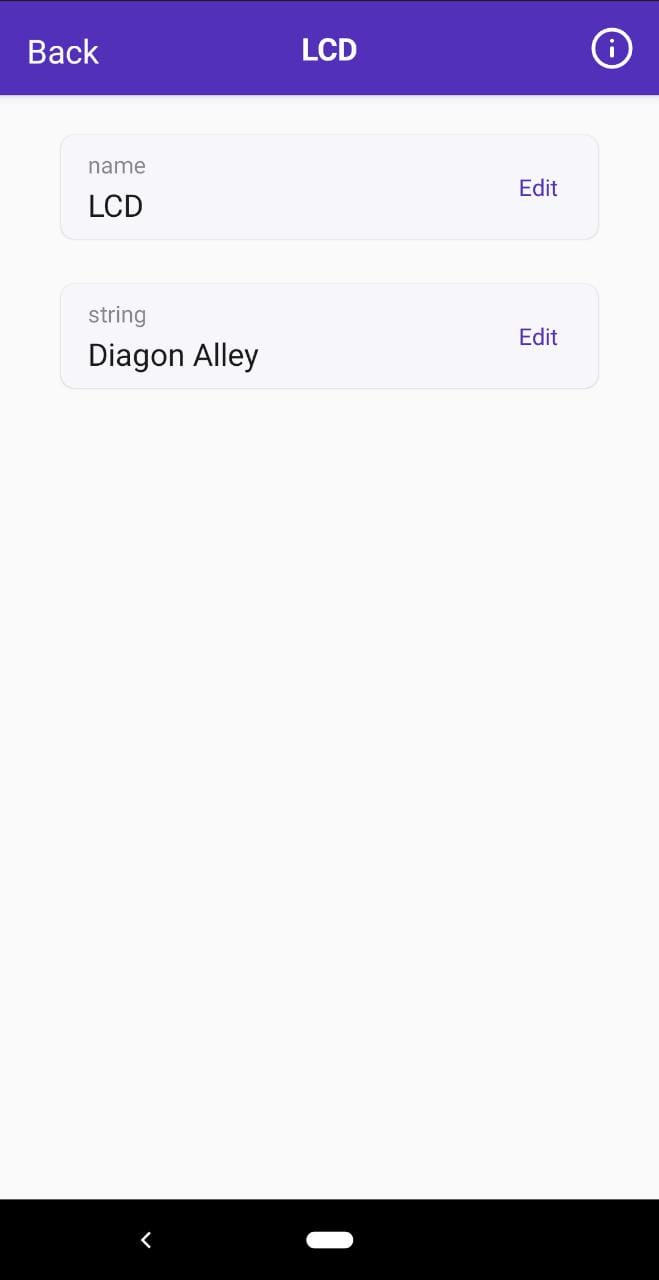
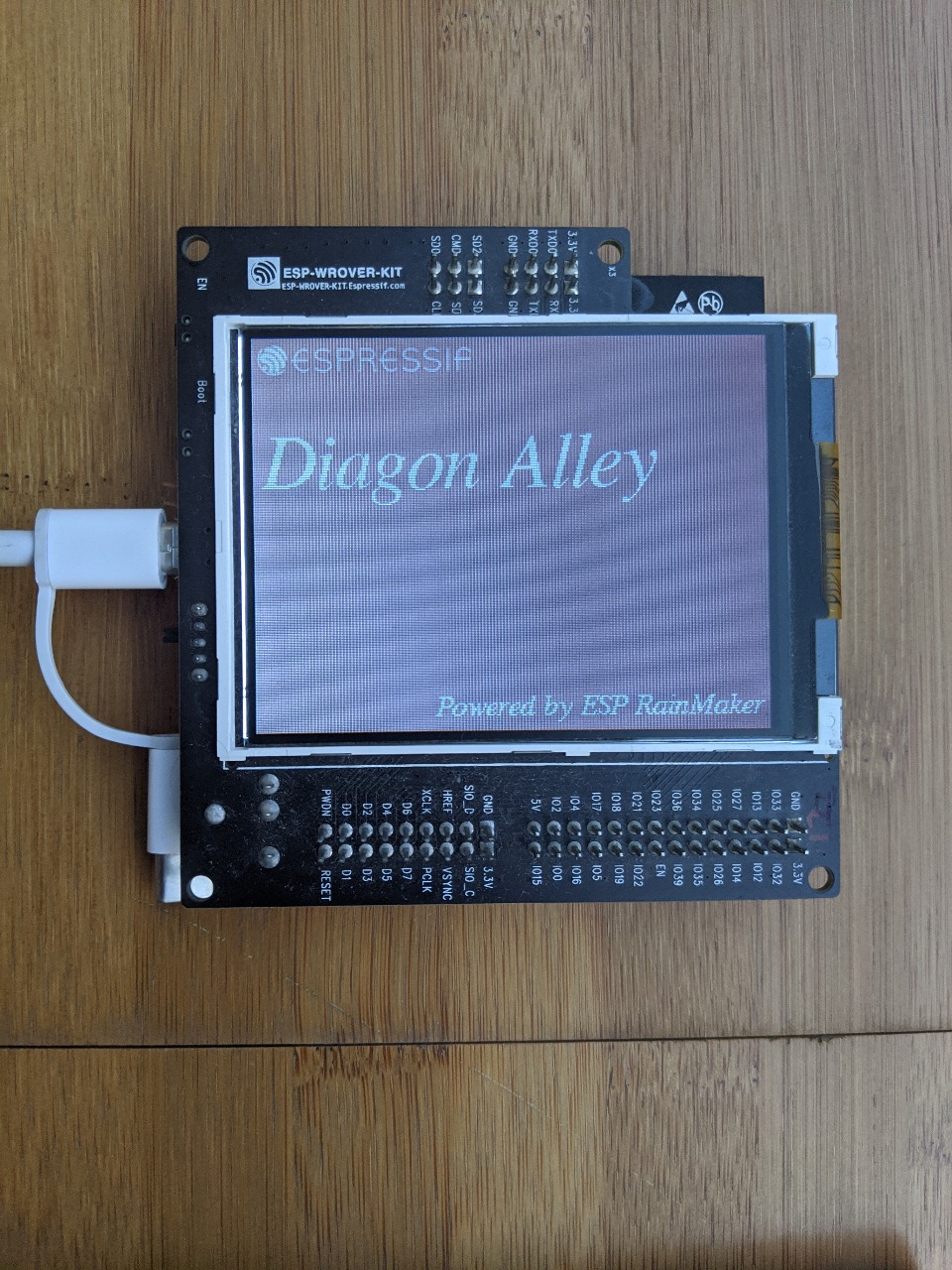
This is a Wi-Fi controlled LCD Screen. Put it up on your desk, door, shop, grocery aisles or conference rooms. Easy to change using an iOS/Android phone app.
Requirements
- Hardware
- ESP32 Wrover Kit
- Software
- ESP-RainMaker: Set up your development host as mentioned here: https://rainmaker.espressif.com/docs/get-started.html
Build and Flash
$ git clone https://github.com/kedars/rainmaker-lcd-screen
$ cd rainmaker-lcd-screen
$ RAINMAKER_PATH=/path/to/where/esp-rainmaker/exists idf.py build flash monitor
Using the screen
- Download the ESP RainMaker iOS/Android phone app
- Boot up the ESP32 WROVER Kit
- Configure the ESP32 WROVER Kit using the phone app
- Enter the status you want to display by hitting the Edit button